Installation · Firestick
IPTV British on Firestick: step-by-step setup
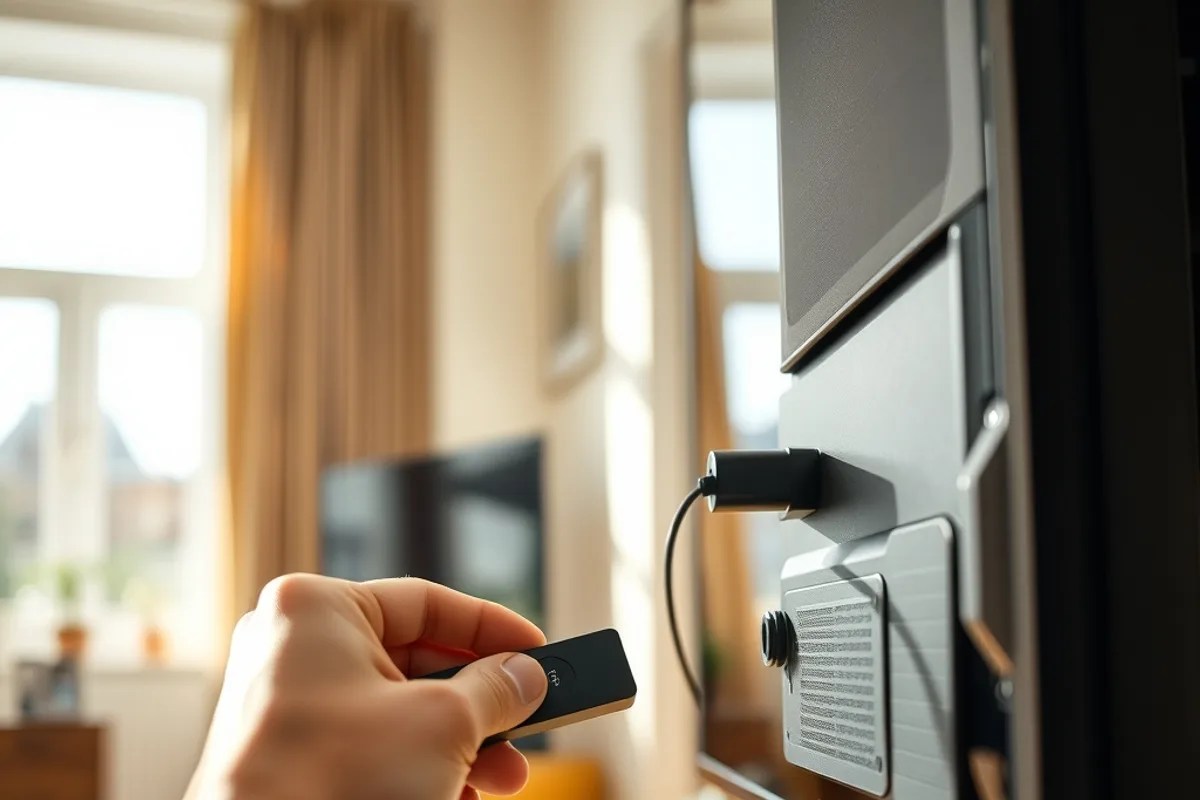
The Amazon Fire TV Stick turns any TV into a Smart TV that can run IPTV British. Follow these four simple steps to be watching within minutes.
1. Allow unknown sources
In Settings → My Fire TV → Developer options, turn on “Apps from Unknown Sources”.
2. Install Downloader
From the Amazon App Store, install the free Downloader app.
3. Install your IPTV app
Use Downloader to install IPTV Smarters Pro or the app we recommend.
4. Enter your details
Type in the M3U link or Xtream codes for your IPTV British subscription — the line-up loads right away.
If the picture freezes after installing, the cause is usually the connection rather than the service: restart the stick, move it closer to your router, or switch to a wired adapter. The Smart TV guide is available on the Smart TV installation page.
Need help with your Firestick?
We can configure the app for you remotely. Not ordered yet? See the pricing & packages.