Installation
Install IPTV British on any device
Setup takes 5 to 10 minutes and runs on the hardware you already own. After you order, you get your login details and this guide in plain English. Stuck? We help instantly on WhatsApp, or set it up for you remotely.
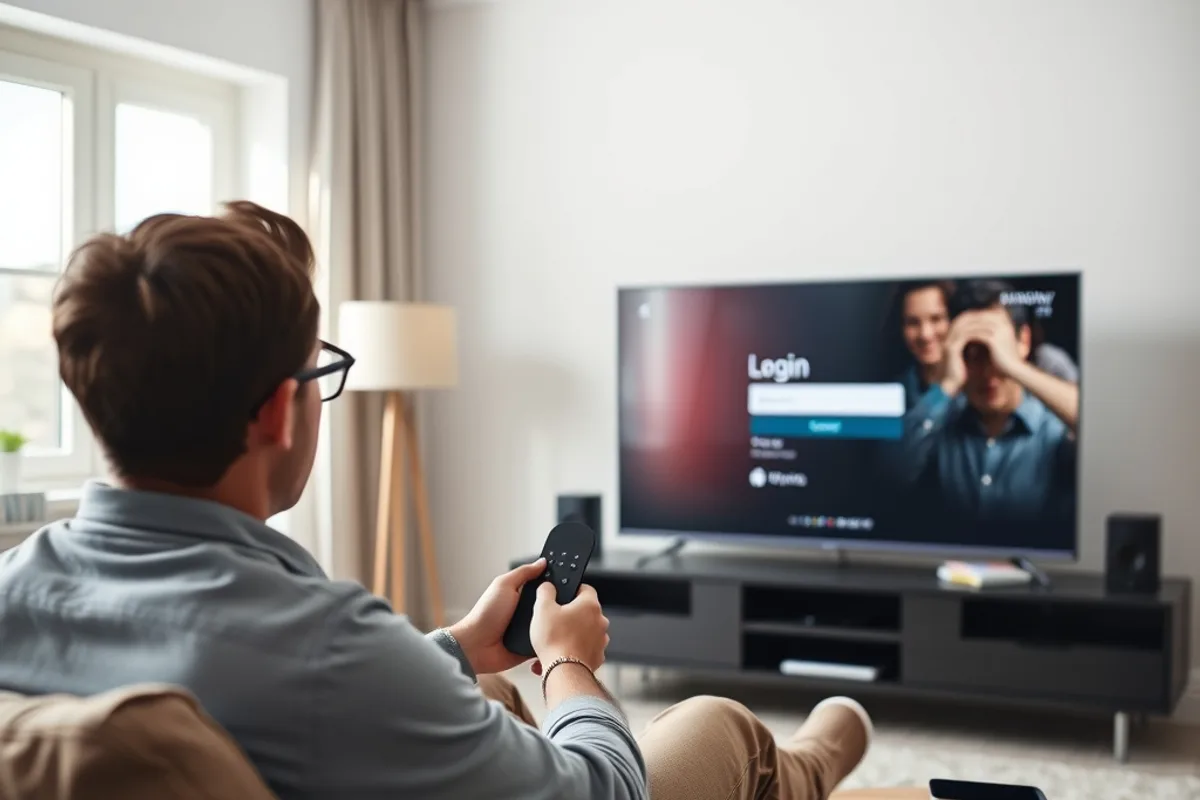
Smart TV (Samsung, LG, Android TV)
- 1Install a streaming app from your TV’s own app store — we tell you exactly which one after you order.
- 2Open the app and enter your IPTV British login details (an M3U link or Xtream codes).
- 3Wait a few seconds while the channel list and guide (EPG) load — then start watching.
Amazon Fire TV Stick
- 1Enable “Apps from Unknown Sources” in the Fire TV Stick settings.
- 2Install the Downloader app, then your chosen IPTV player app through it.
- 3Enter your details — the first channel usually loads in under two minutes.
Android box & MAG
- 1Connect the box to the internet, ideally over Ethernet for the steadiest picture.
- 2Enter the portal URL or M3U link we send after your order.
- 3Restart the box: the full line-up loads automatically.
Apple TV, iPhone & iPad
- 1Download a compatible IPTV app from the App Store.
- 2Add your login details or import the M3U link directly.
- 3The programme guide loads automatically — handy on the move too.
PC & Mac (VLC, Kodi)
- 1Open VLC or Kodi with the PVR IPTV Simple Client add-on.
- 2Paste your M3U link into the player’s settings.
- 3A quick way to check your subscription right after ordering.
What internet speed do you need for IPTV British?
Around 10 Mbps per device for smooth Full HD, and 25 Mbps for 4K. A wired Ethernet connection stays more stable than a crowded Wi-Fi network, especially in the evening. Detailed device guides are available for the Smart TV and the Fire TV Stick.
Need help with installation?
We can set up your device remotely if needed. Not ordered yet? See the pricing & packages.